How to Root LG Android Devices Via Kingroot.
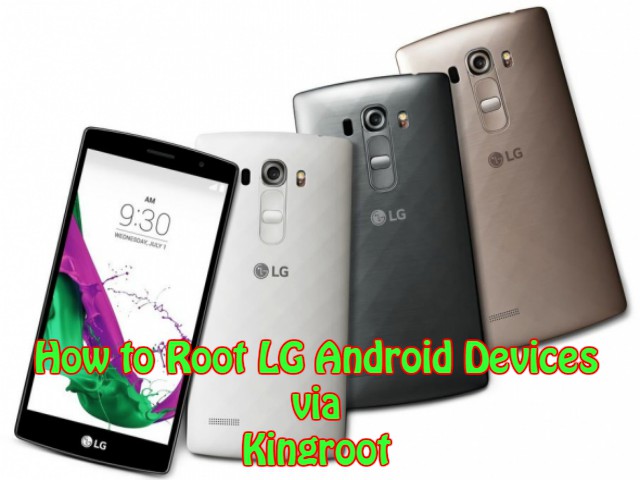
This article is intended the rooting about LG G2, LG G3 and other higher services Kingroot offers awesome when it can give best result for any LG G Android devices.
Rooting gain you very customize and fully controllable devices easily while it may involve some risks. So you need to get perfect decision whether you root or not your device.
Rooting procedure step by step
- You should download kinroot Android PC version. Then you can install to your personal computer. Finally you should launch it.
- Now, you should double click on the Kingroot icon to begin the rooting while you can follow the given instructions.
- Finally, you should connect your Android devices to your computer and you should enable the USB debugging mode.
- After connected the device to the PC, it can defeat automatically and it will install device drivers automatically. (If it hasn’t installed)
You should click “Root” to proceed.
Then wait for few minutes. Finally you can see results as “succeed or failed”
Via USB cable.
Generally kingroot is best rooting tool. However you have to save that you will gain a rooted Android device finally.
 Site Title